

Interactive Screens
Exciting opportunities for collaboration have transformed how spaces are designed for work, training, and education. Whether in-person, remote, or hybrid, today’s environments are evolving to support dynamic, flexible collaboration across teams and learning groups alike—made possible through interactive technology.


Recommended Interactive Screens


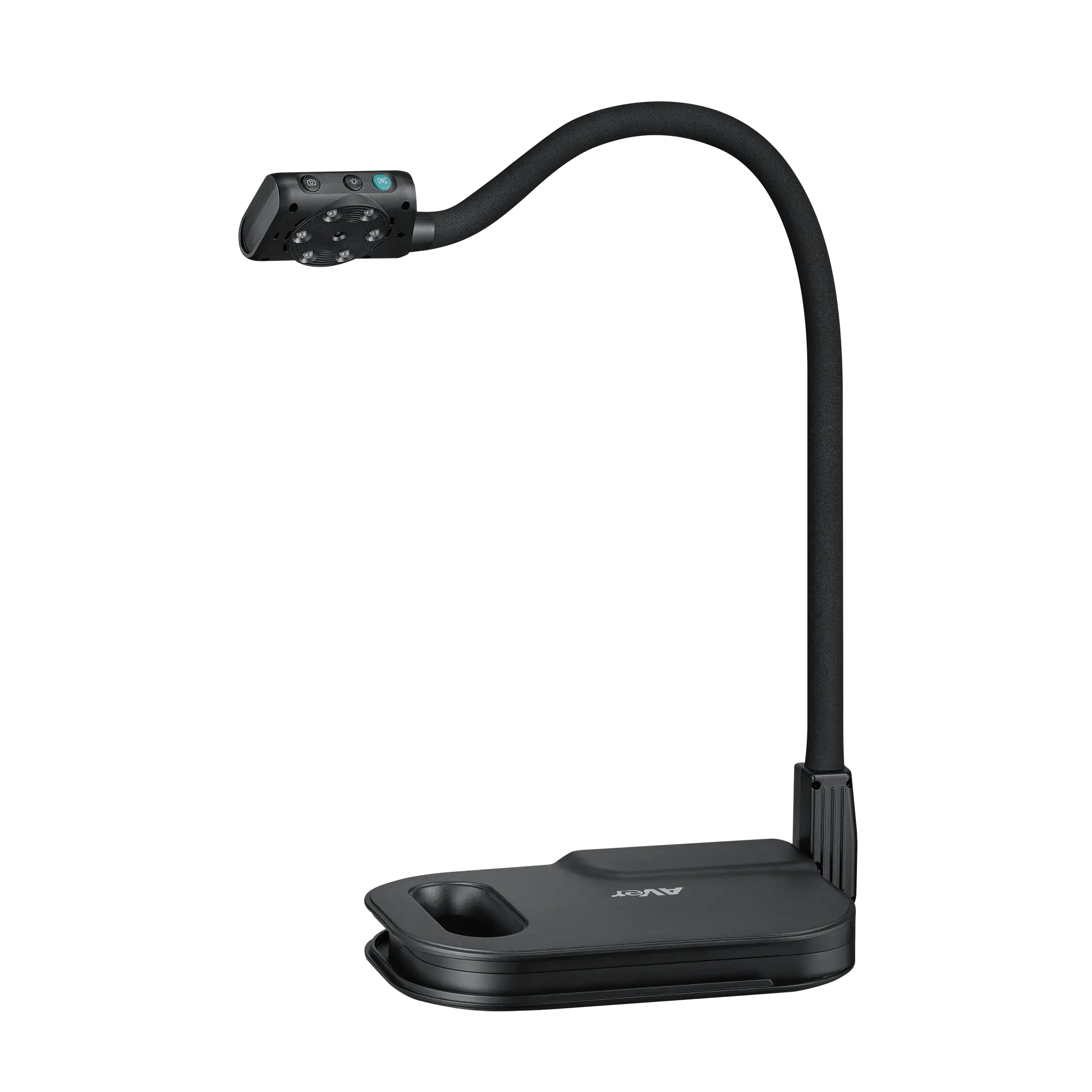
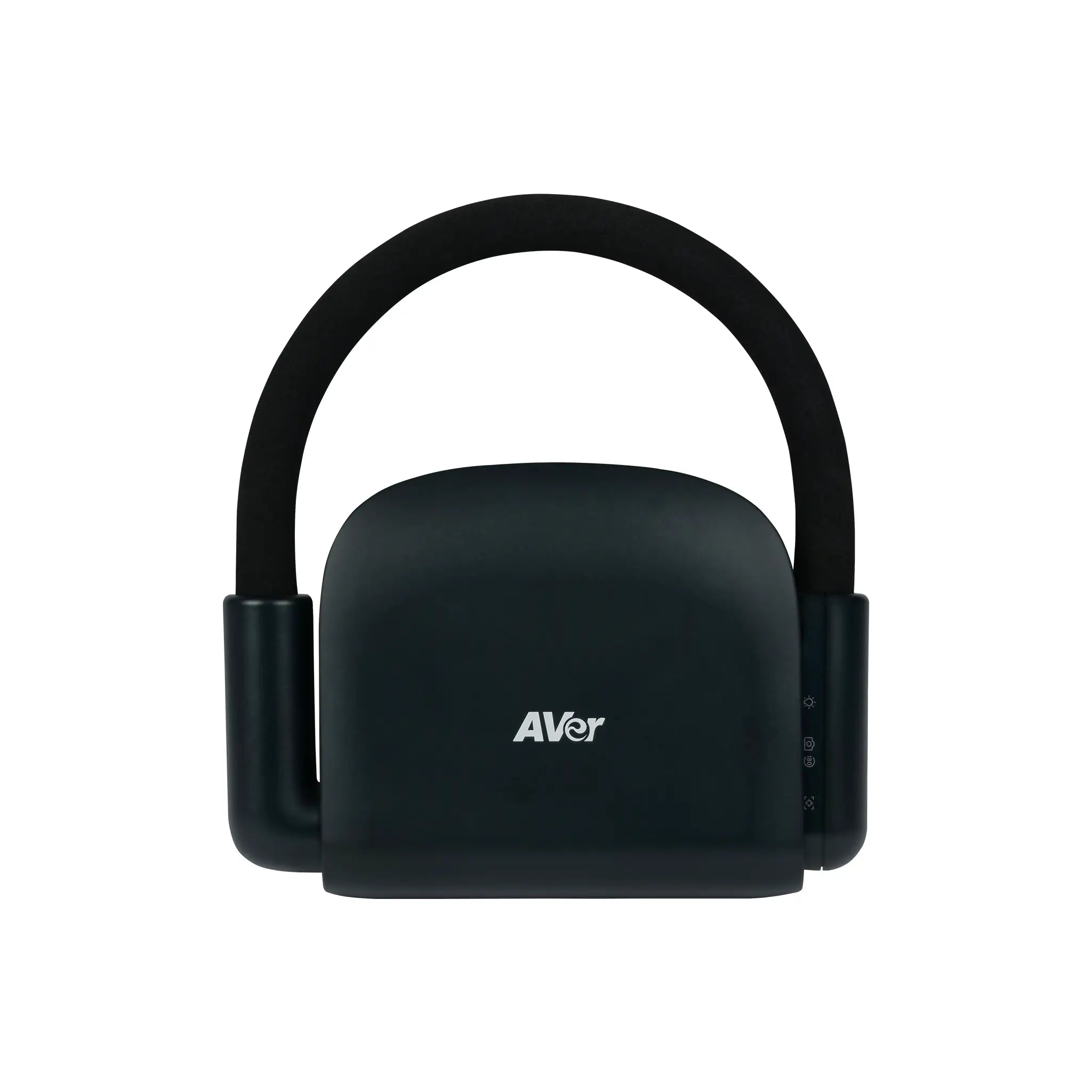

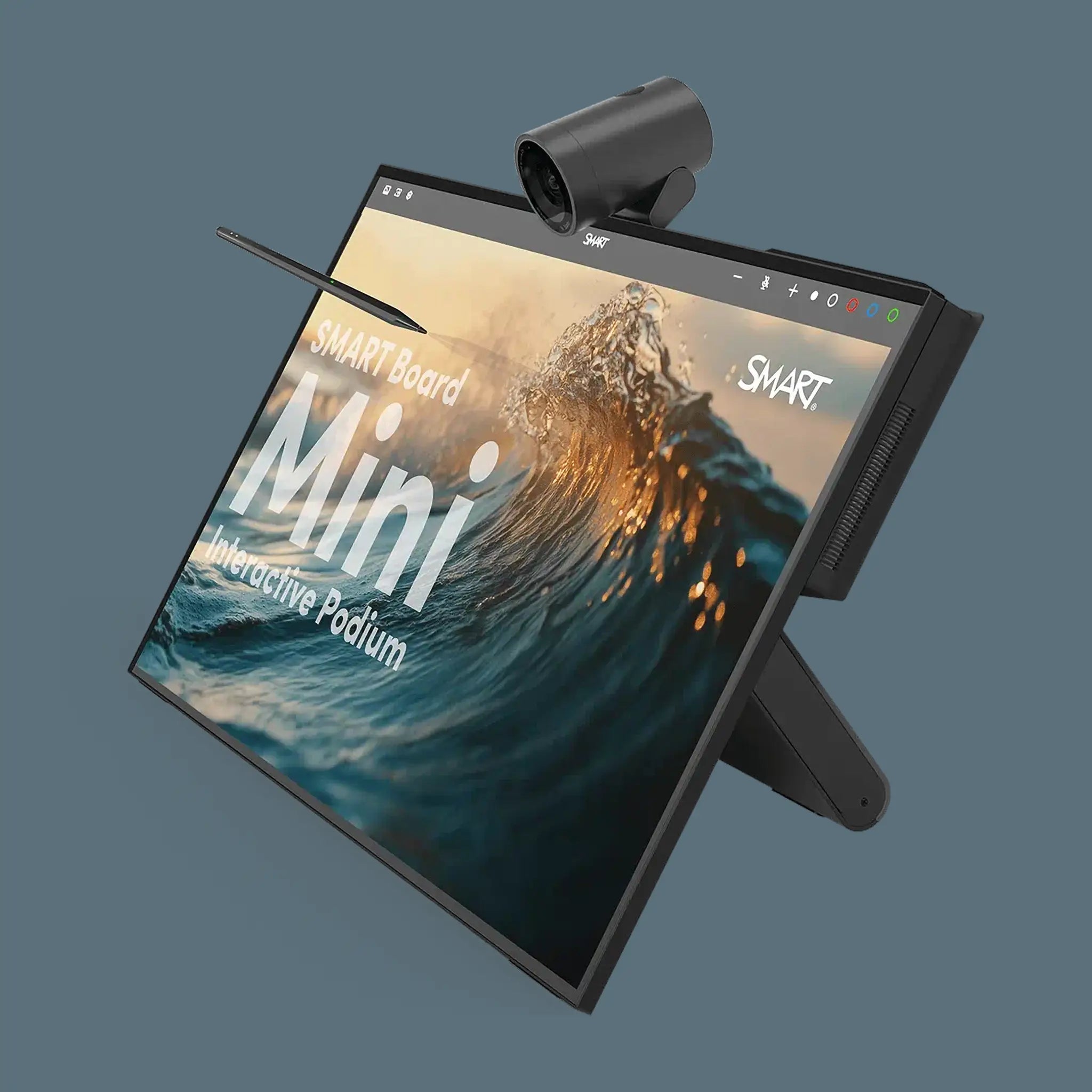
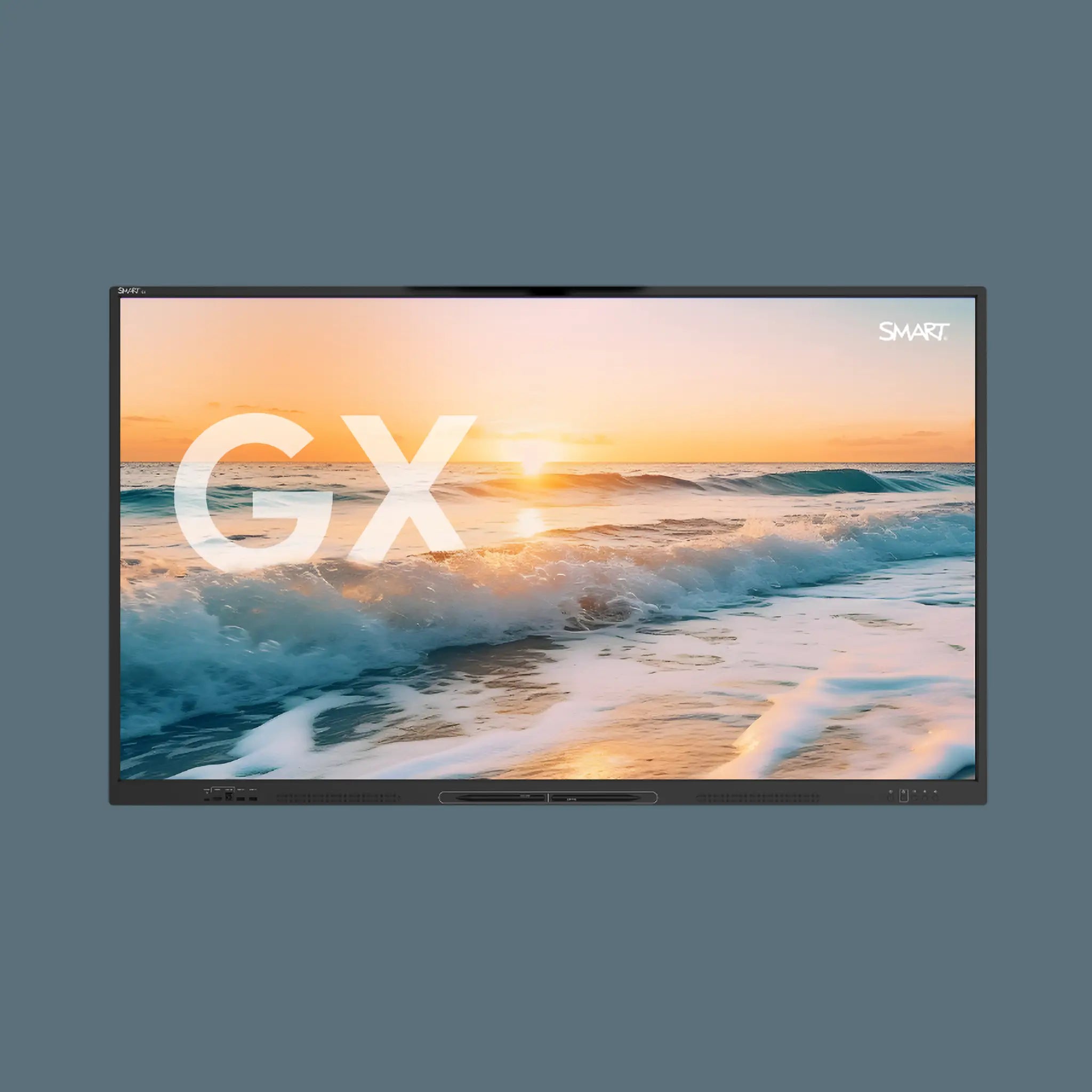
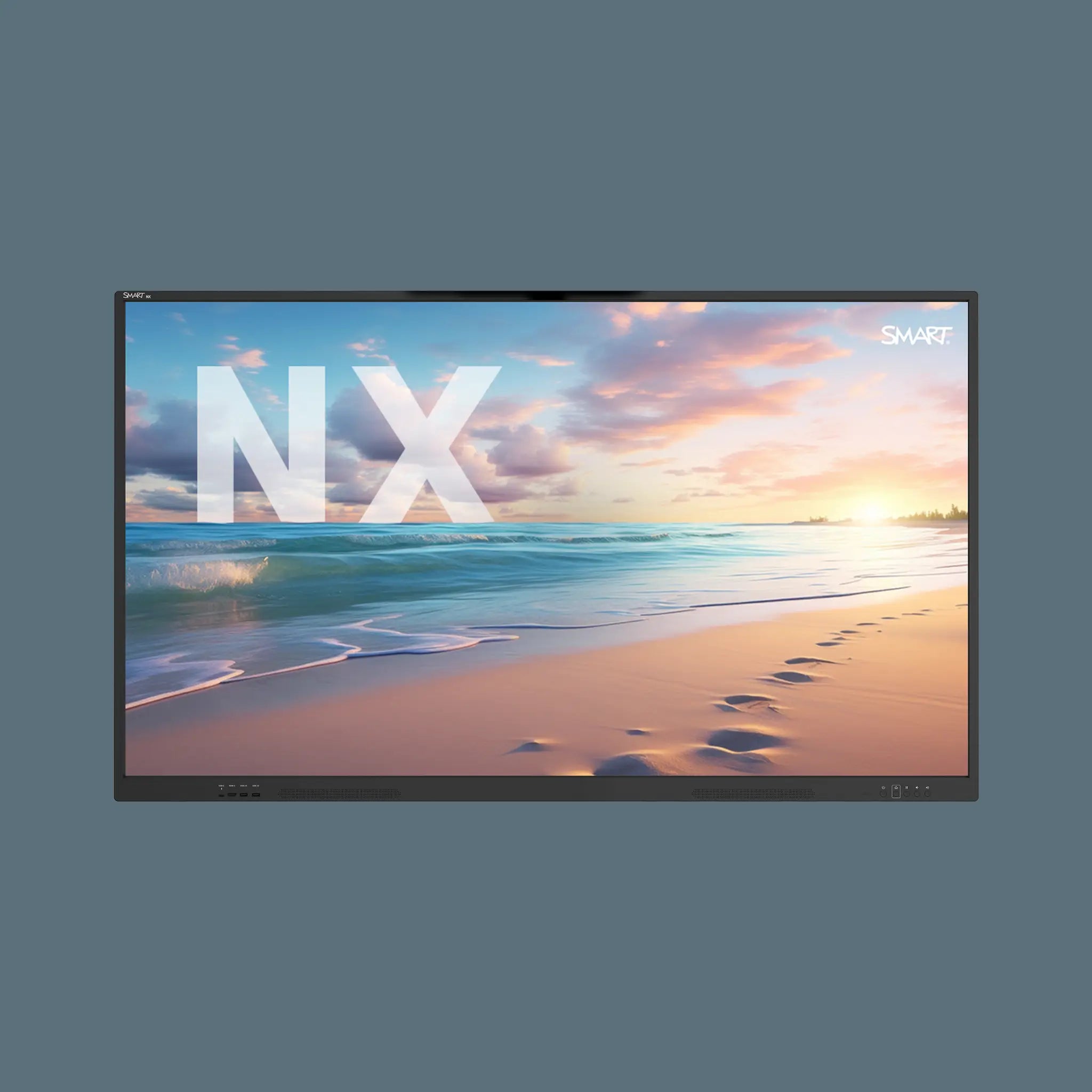
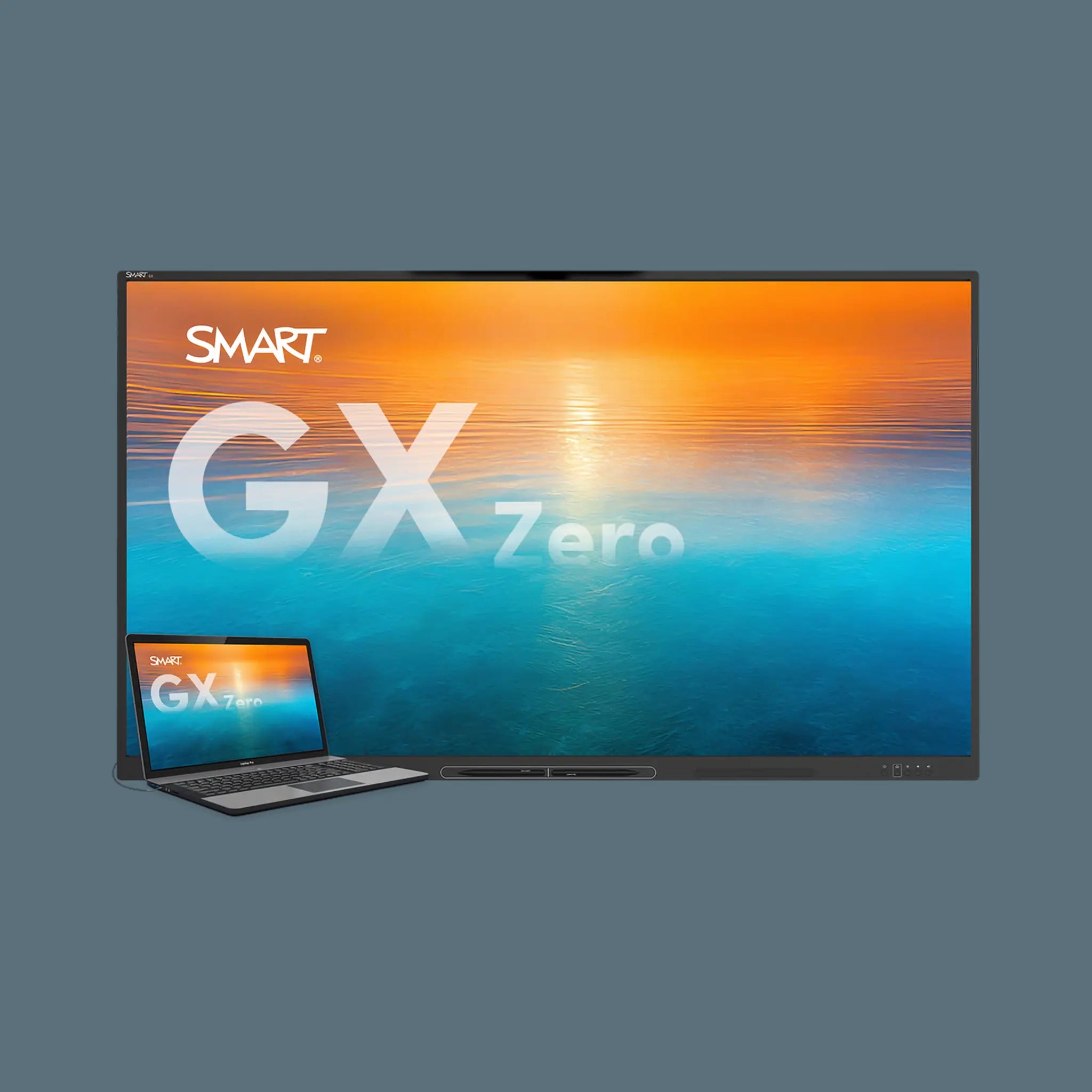
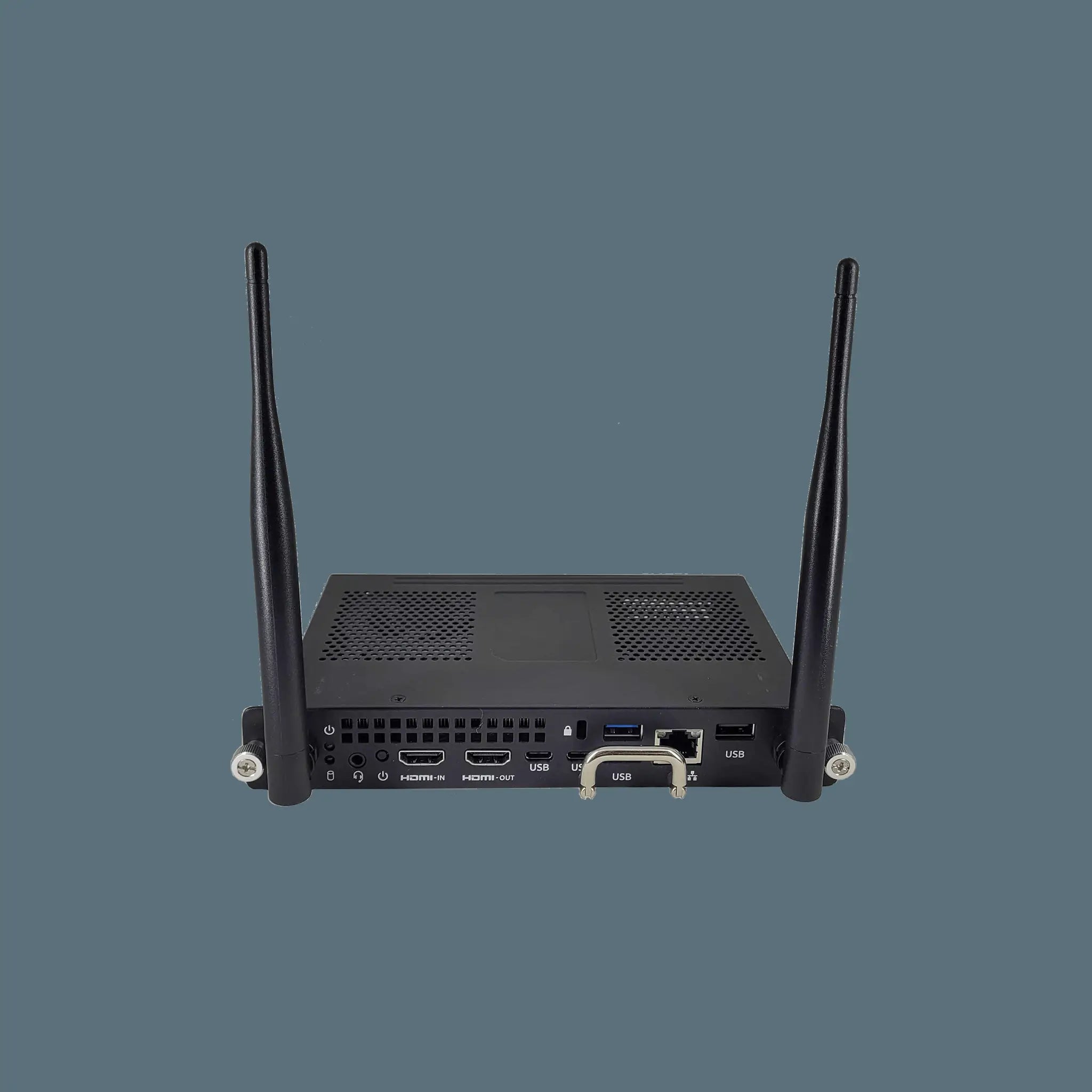
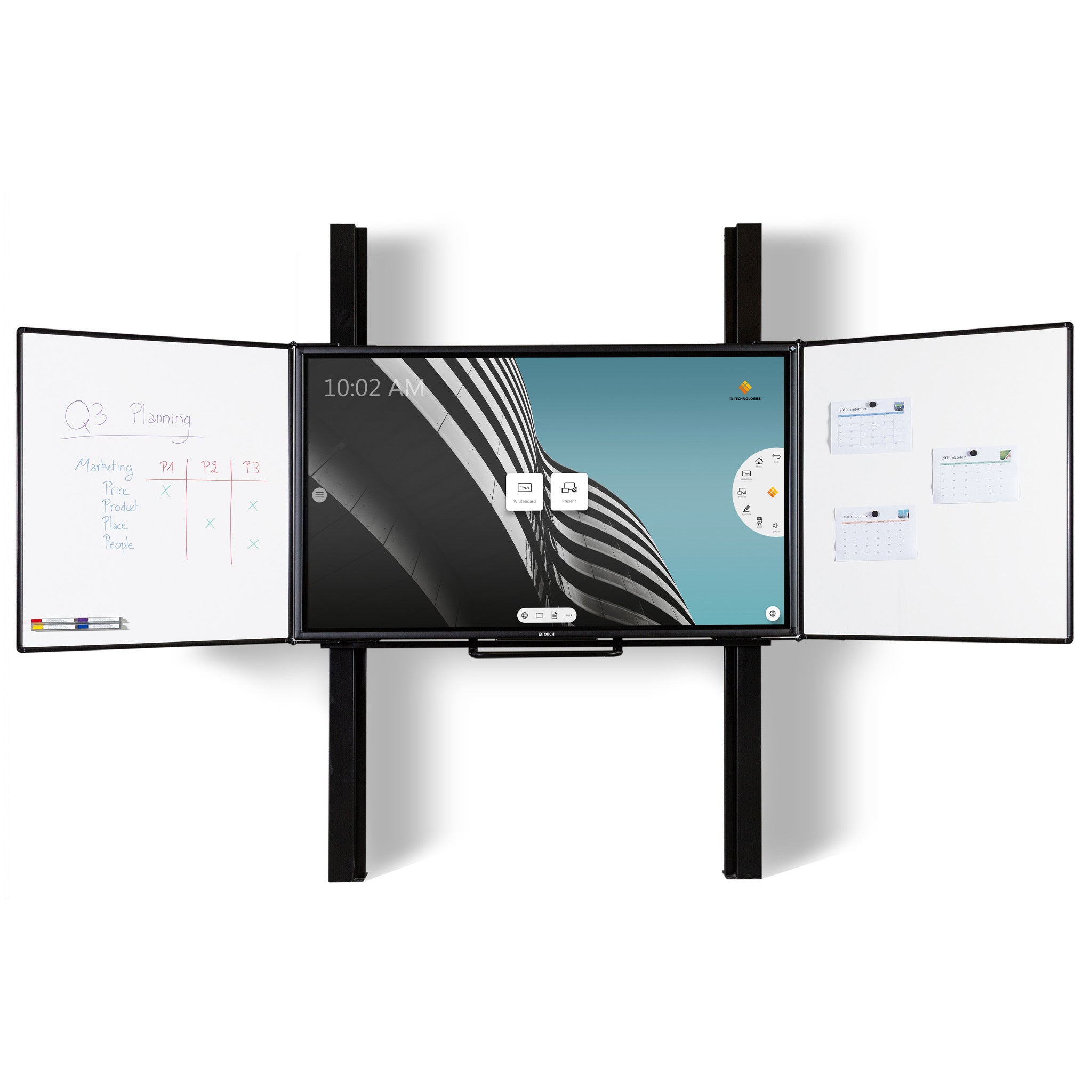


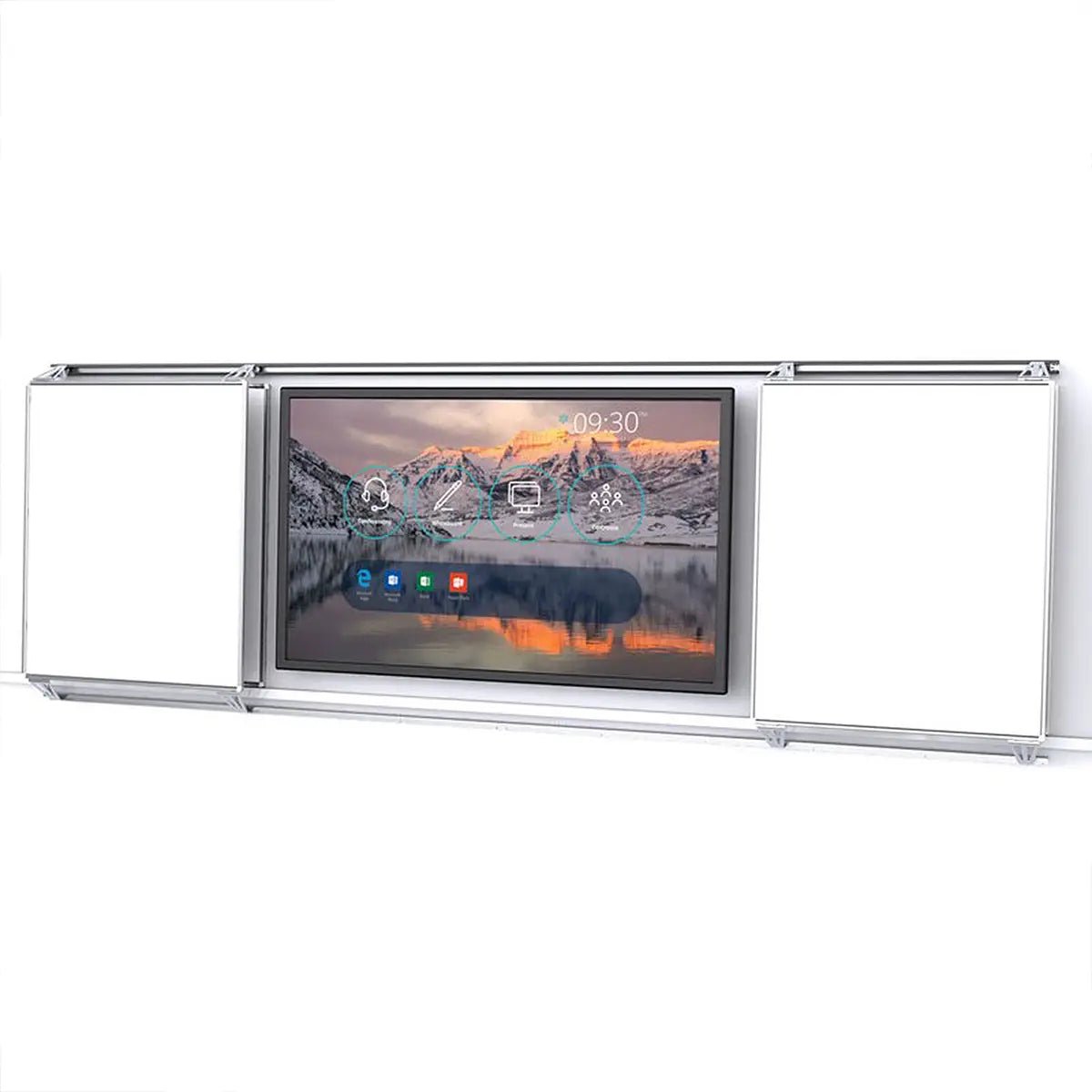
Interactive screens are large-format touchscreen displays that replace traditional whiteboards and projectors with a single, always-ready surface for teaching, presenting and collaborating. Whether you are equipping a primary classroom, a sixth-form lecture room, a boardroom or a training suite, the right interactive flat panel transforms how ideas are shared and remembered. This collection covers SMART Board interactive displays, the AVerVision U70i visualiser and the Interactive PlayPanel for early years and SEND environments.
SMART Board ranges explained: GX, MX Pro and QX Pro
SMART makes three distinct interactive flat panel families. Choosing the right one is mostly a question of how much built-in intelligence you need.
- SMART Board GX (entry). The SMART GX V3 Series is the budget-friendly starting point: 4K UHD panel, responsive touch, SMART Ink annotation and SMART Learning Suite compatibility. It connects to your existing Windows or Mac device over USB-C or HDMI and does not require a built-in Android engine. Ideal for primary schools and smaller meeting rooms where a straightforward interactive display is all that is needed.
- SMART Board GX Zero (ultra-slim entry). The SMART GX Zero shares the same software stack but strips back to the essentials in an even slimmer chassis. A strong choice when budget is tight and the screen will predominantly be driven from a connected laptop.
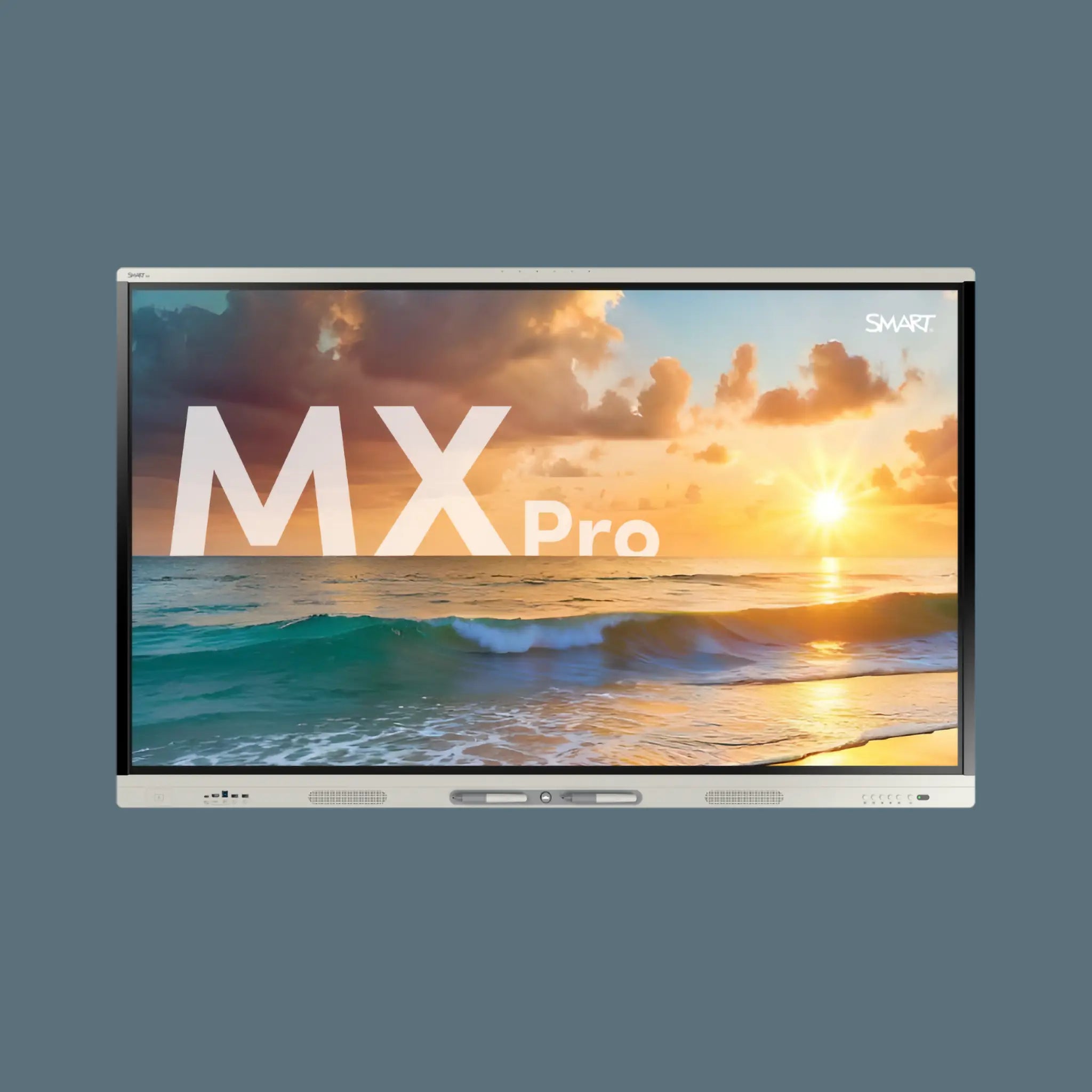
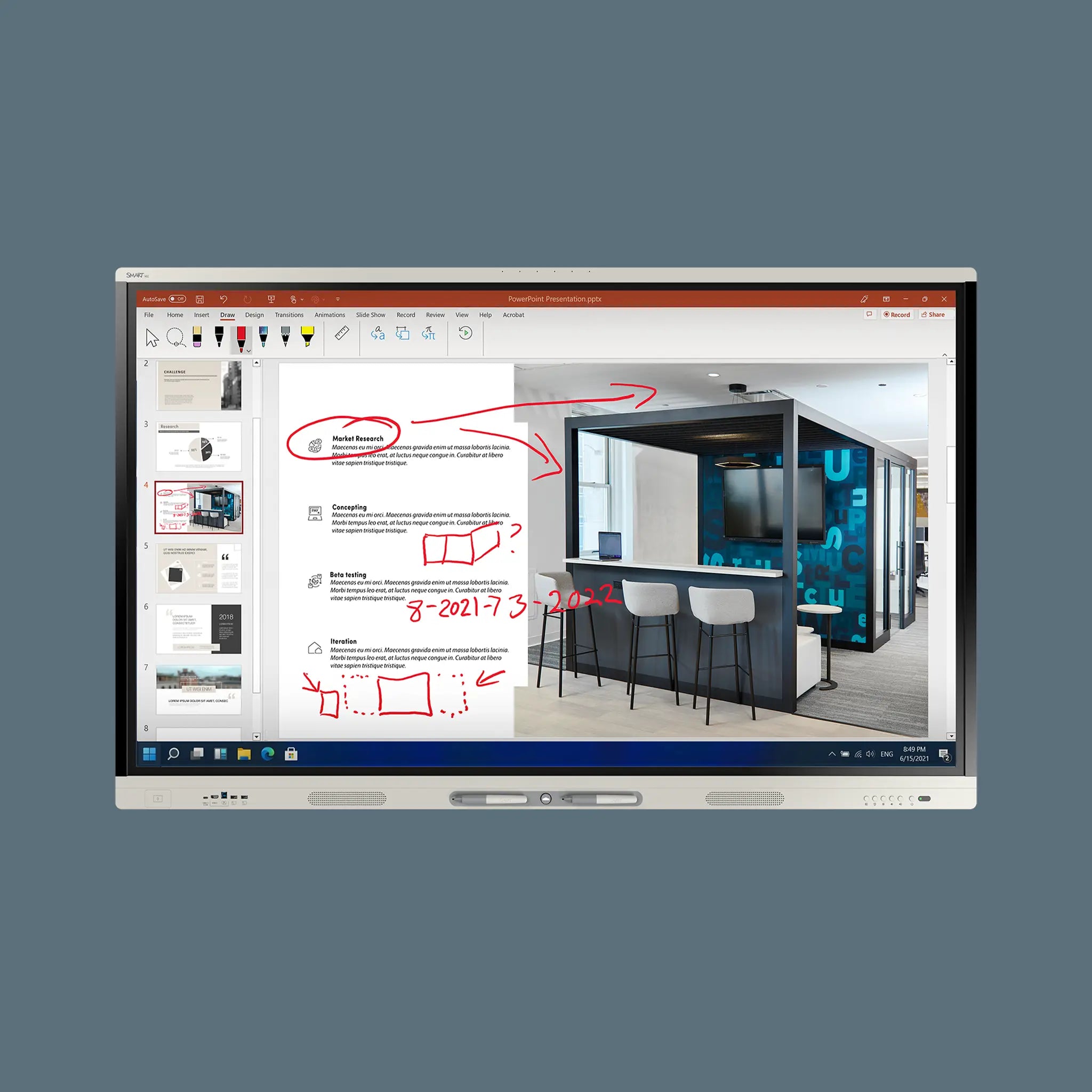
- SMART Board MX Pro (mid-range). The SMART MX Pro V5 with iQ adds the iQ embedded computing module: an Android-based brain that runs SMART Notebook, Lumio and third-party apps without a laptop attached. Wi-Fi, Bluetooth, a full app store and multi-user touch make this the most popular choice for secondary schools and corporate training rooms.
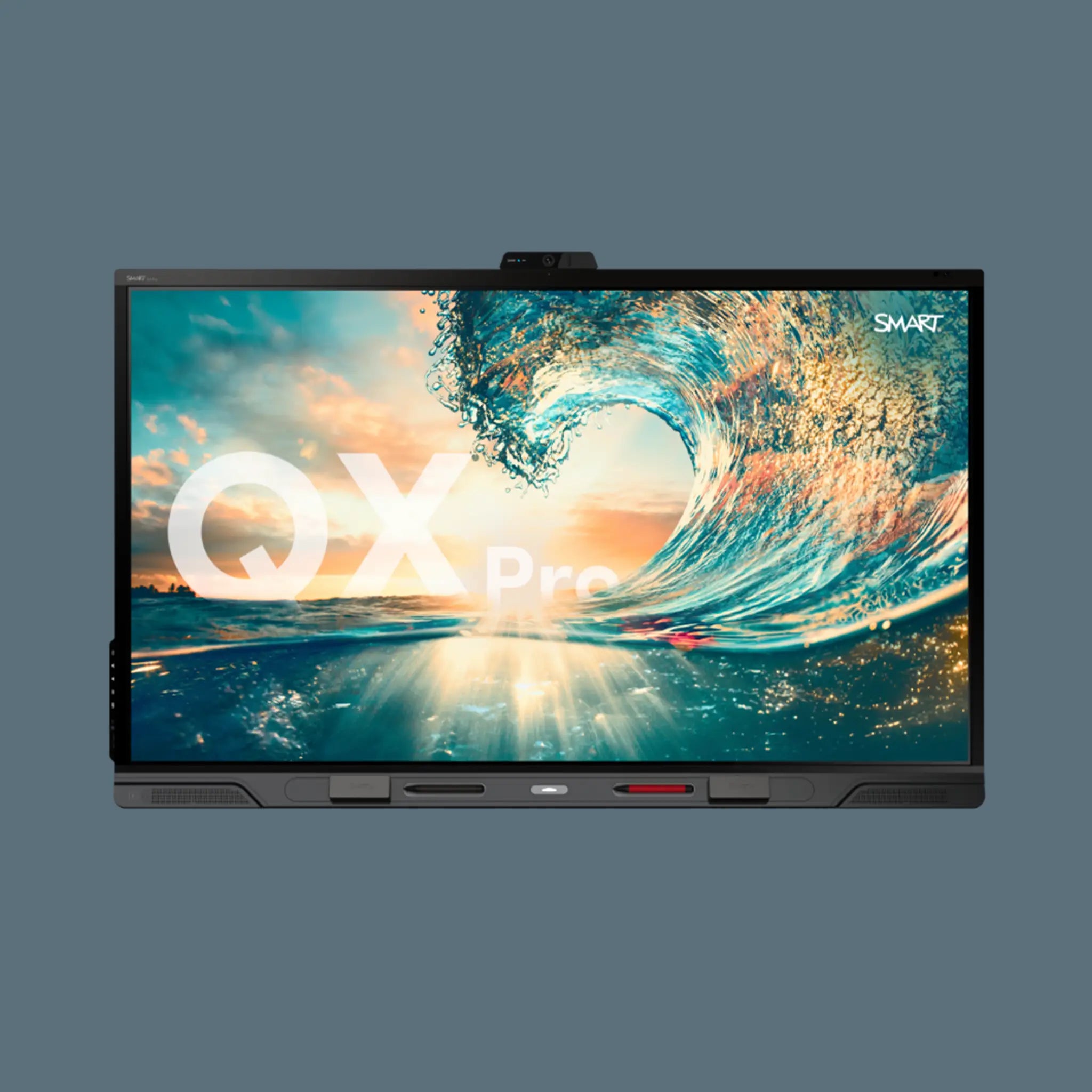
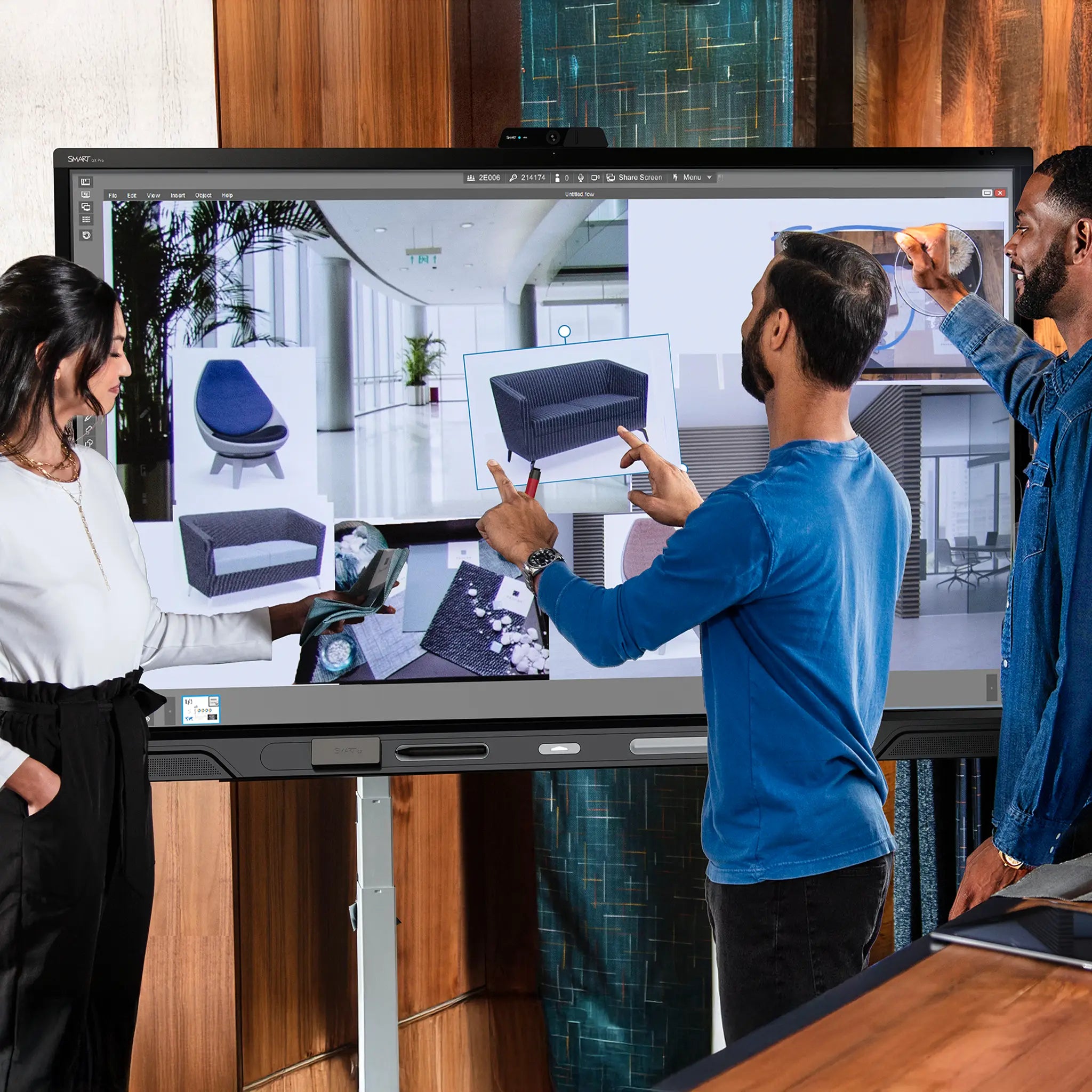
- SMART Board QX Pro (premium). The SMART QX Pro is the flagship interactive classroom display: up to 98 inches of 4K panel, the fastest iQ processing, advanced object recognition, and support for simultaneous touch, pen and eraser input. For sixth-form colleges, universities and large corporate boardrooms where nothing less than the best will do.
As a rule of thumb: primary school classroom on a tight budget → GX or GX Zero; secondary school with regular software use → MX Pro; university lecture theatre or premium boardroom → QX Pro.
Interactive screen vs projector: which is right for your room?
Projectors are still used in many schools and meeting rooms, but interactive flat panels now offer a compelling alternative in most settings.
- Brightness and readability. An interactive screen produces its own light, so it stays readable in a bright classroom without drawing blinds. Projectors need controlled ambient light to achieve acceptable contrast.
- Maintenance. Projector lamps typically need replacing every 3,000 to 5,000 hours at a significant cost per lamp. LED-backlit interactive panels are rated to 50,000+ hours with no consumable parts.
- Shadow-free touch. Interactive flat panels have no projector beam, so users standing at the board never cast a shadow over their own work.
- Setup time. A panel is always calibrated and ready. A projector requires alignment, focus and keystoning every time it is repositioned.
- When projectors still win. Very large rooms (auditoriums, sports halls) where a 98-inch display would still look small, or sites with a very large existing projector estate and a limited replacement budget.
Choosing by room type and use case
| Room / use | Recommended | Why |
|---|---|---|
| Primary classroom (KS1-KS2) | SMART GX V3 or GX Zero | Lower cost, durable glass, SMART Ink for teachers |
| Secondary classroom | SMART MX Pro V5 | iQ module runs Notebook/Lumio without a laptop; multi-touch for group work |
| Early years / SEND | Interactive PlayPanel | Floor-standing or low-mount, soft-touch edges, designed for seated or standing young learners |
| University / lecture | SMART QX Pro (75-98 in) | Visible at distance, annotation over any app, advanced multi-user input |
| Boardroom / meeting room | SMART MX Pro or QX Pro | Wireless presentation, video-conferencing compatibility, whiteboard and annotation |
| Science / STEM lab | SMART MX Pro + AVerVision U70i | Visualiser captures specimens, equipment, pupil work and broadcasts live to the panel |
Visualisers: extending what an interactive screen can do
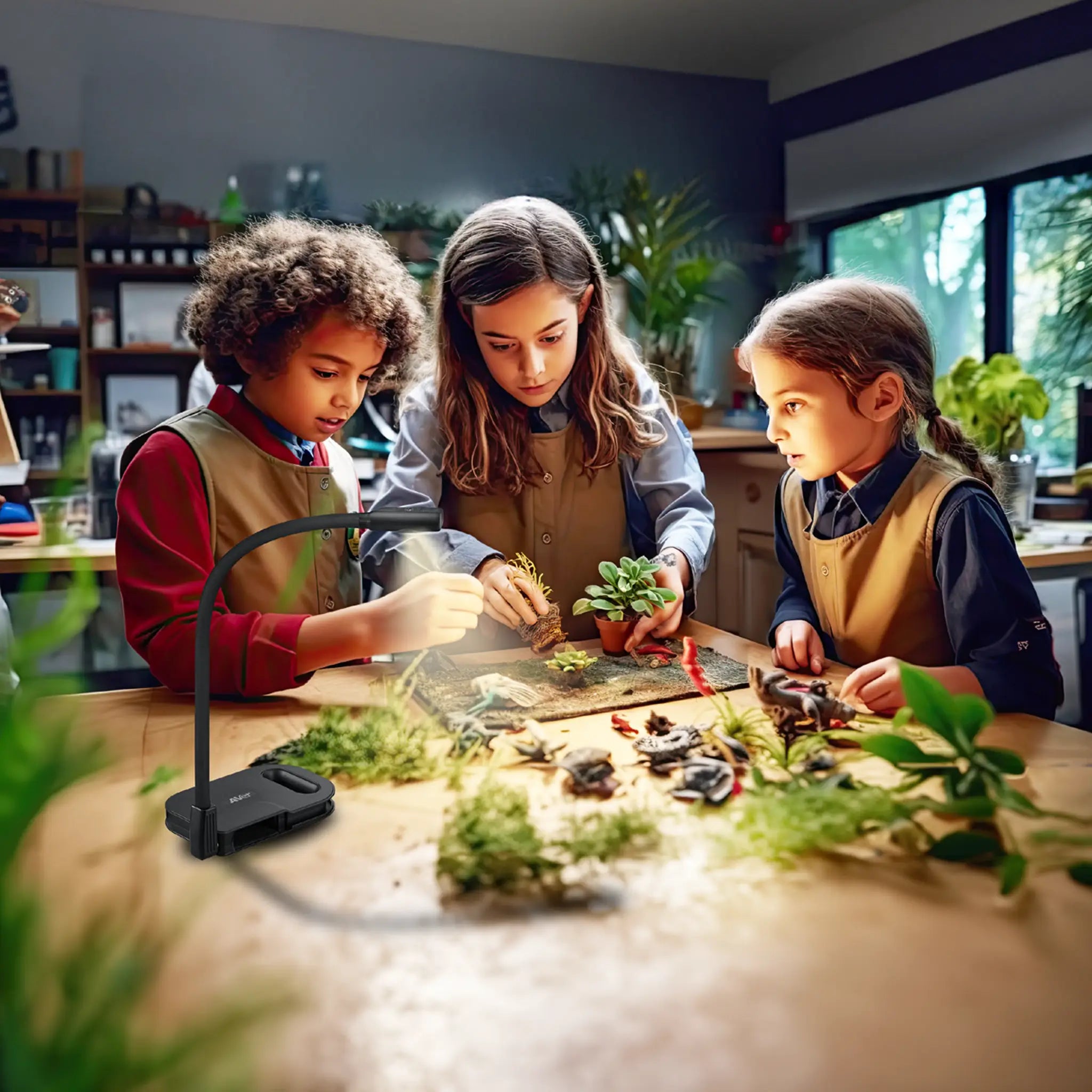
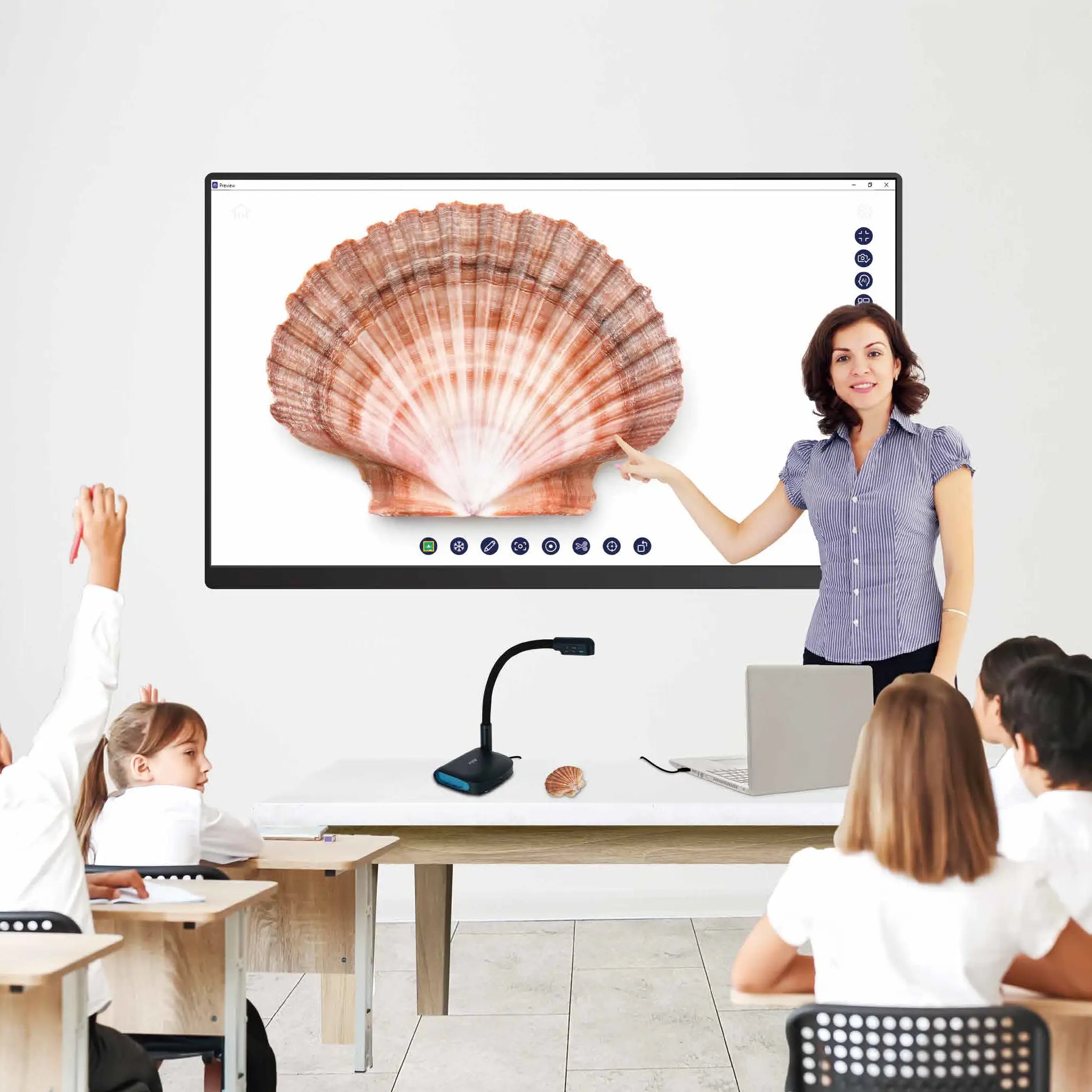
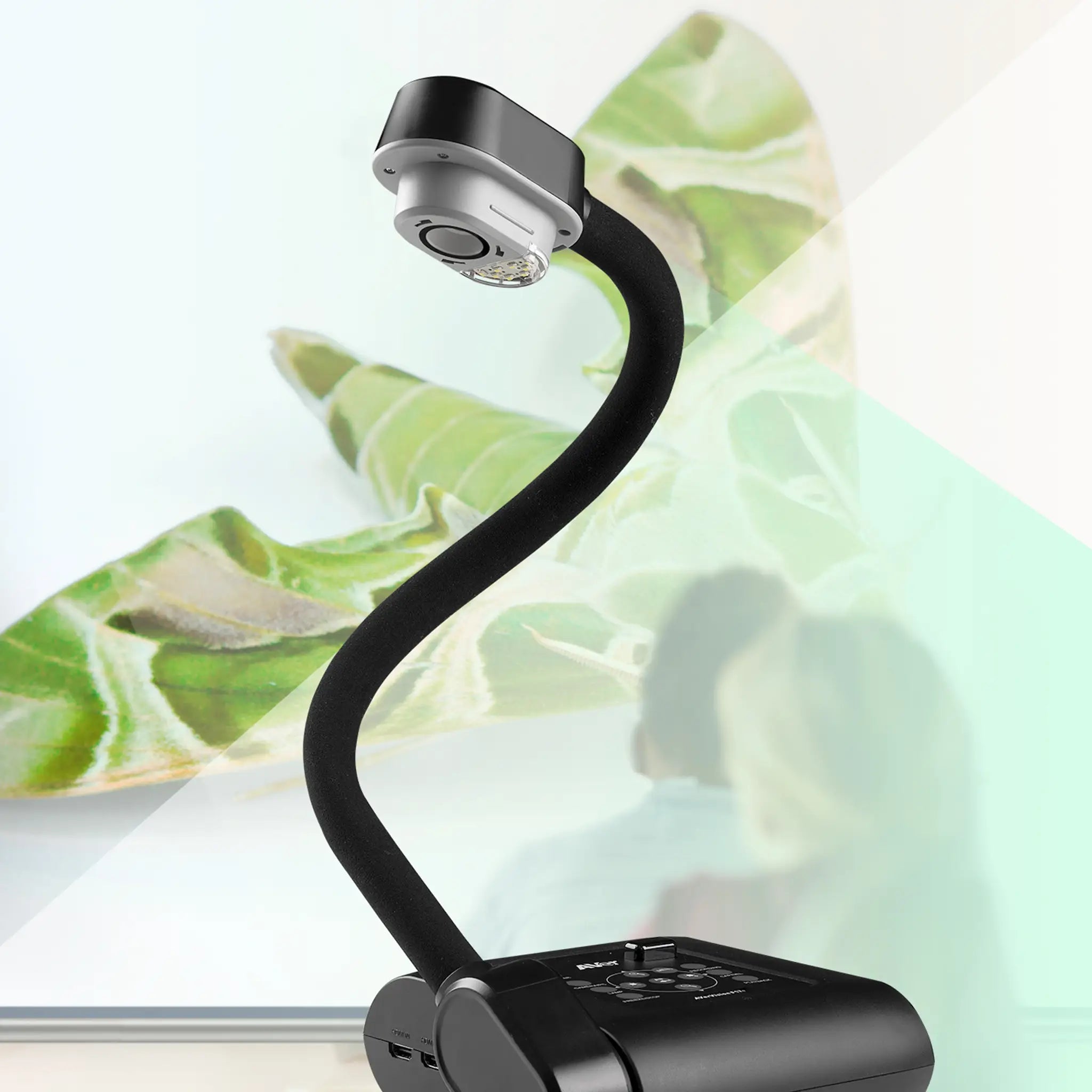
A document camera paired with an interactive display unlocks teaching techniques that no screen alone can match. The AVerVision U70i is a full HD visualiser with a built-in microphone and speaker, designed for hybrid and classroom environments. Connect it to any interactive panel and you can:
- broadcast live close-up work to the whole class without pupils crowding around a desk;
- annotate over a live camera image directly on the screen;
- record demonstrations and save them as video for absent pupils or revision;
- run split-screen comparisons between the live feed and a saved image.
Science departments, art rooms and primary classrooms benefit most, but any teaching space gains from being able to show real objects and pupil work at display scale.
Accessibility, Android (EDLA) and long-term software support
SMART Board panels running the iQ module are certified under Google's EDLA (Enterprise Device Licensing Agreement) programme, which means they receive verified Android updates and security patches on a predictable schedule. This matters for schools purchasing on a 5 to 7 year refresh cycle: you are not dependent on a manufacturer's bespoke OS that may go unsupported.
Accessibility features built into the panels include high-contrast display modes, enlarged touch targets, adjustable font rendering and compatibility with assistive technology running on connected devices. The Interactive PlayPanel goes further for SEND and early years environments, with a purpose-designed height, a ruggedised frame and software calibrated for younger and less dexterous users.
Frequently asked questions
What is an interactive display and how does it differ from a smart board?
An interactive display is any large touchscreen panel that responds to touch, pen or stylus input and allows users to write, annotate and navigate software directly on the screen. "Smart board" is properly a brand name belonging to SMART Technologies, though it has become a generic term in education. All SMART Board panels (GX, MX Pro, QX Pro) are interactive displays, but not all interactive displays are SMART Boards. The key difference from a basic screen is the touch layer and accompanying software that turns the panel into a collaborative tool rather than a passive monitor.
Which SMART Board is best for schools?
For most UK primary schools, the SMART GX V3 Series offers the best balance of cost and capability, with 4K touch, SMART Ink and straightforward connectivity. Secondary schools and further education colleges typically benefit from the SMART MX Pro V5 with iQ, which runs SMART Notebook and Lumio natively without a laptop attached. The SMART QX Pro is the right choice for sixth-form colleges, universities and any room where the largest possible display size is a priority.
Can I use an interactive flat panel without a connected computer?
SMART Board panels fitted with the iQ computing module (MX Pro and QX Pro) run a full Android environment independently. You can open Lumio, SMART Notebook, a web browser and most Android apps without a laptop connected. The SMART GX range does not include iQ and requires a connected device for anything beyond basic annotation, though the touch and Ink functions work standalone for simple whiteboard use.
What is the difference between a smart board and a projector for classroom use?
An interactive flat panel produces its own light and requires no projector beam, so it works in a fully lit classroom without blinds, casts no shadow when you stand at the board, and needs no lamp replacements. LED panels are typically rated to 50,000+ hours of life. Projectors can cover larger wall areas at lower upfront cost but require controlled lighting, regular lamp maintenance and careful calibration. For most new classroom installations in the UK, an interactive flat panel is now the preferred solution.
How large an interactive screen do I need?
A commonly used guide is to allow roughly 6 centimetres of screen diagonal per metre of viewing distance. A standard classroom with learners seated up to 8 metres from the board suggests a 65 to 75 inch panel as a minimum, with 86 inches preferred for larger rooms. University lecture theatres and training suites over 12 metres deep benefit from 86 to 98 inch panels. Room width matters too: a narrow room with learners seated off-axis needs a larger screen to maintain readability at the sides.
Are interactive classroom displays compatible with Microsoft Teams and Google Meet?
Yes. SMART Board MX Pro and QX Pro panels with iQ run Android and support Teams Rooms, Google Meet and Zoom natively when the relevant apps are installed from the SMART app store or the standard Android repository. For hybrid lessons and meetings, the built-in or attached camera and microphone allow the panel to act as the room video-conferencing endpoint without a separate laptop or codec. The GX range connects as a standard display to a Teams or Meet device running on a connected computer.