

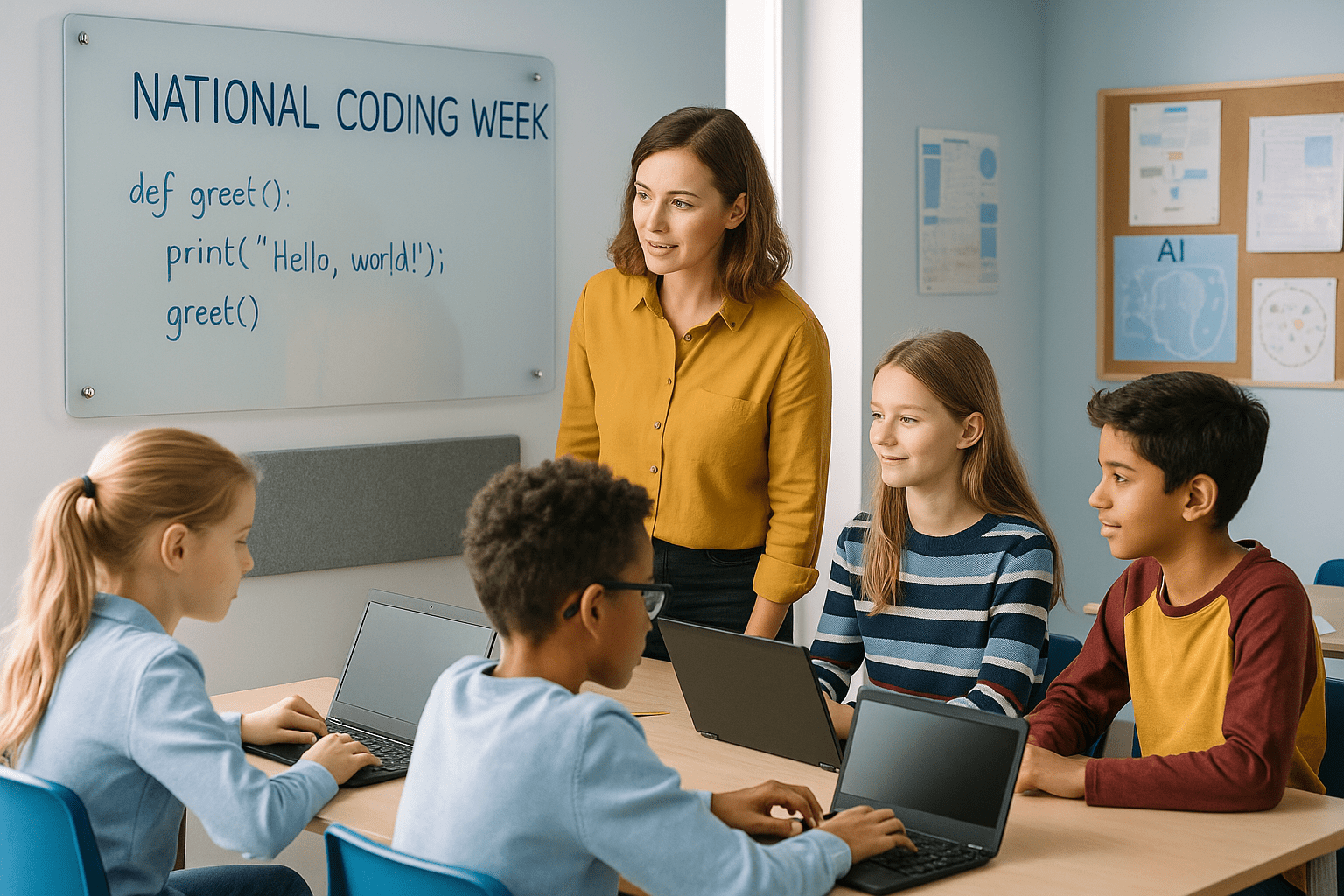
Quick answer: National Coding Week is an annual UK initiative encouraging schools to run coding and digital literacy activities across all year groups. To get ready, audit your devices, pick 2-3 focused activities (unplugged, block-based, and text-based), brief staff, prepare your classroom displays, and plan how the energy carries into term-time clubs and curriculum.
What is National Coding Week and why does it matter?
National Coding Week is a UK-wide campaign that runs every September, encouraging schools, colleges, and community groups to promote coding, computational thinking, and digital literacy. The initiative focuses on widening participation, building confidence in teachers and pupils alike, and making technology feel relevant to everyday life.
For schools, the week provides a natural hook for cross-curricular computing work. It also gives senior leaders a visible, low-stakes opportunity to celebrate the computing curriculum and make it meaningful beyond the exam timetable.
Themes shift year to year, with recent editions exploring artificial intelligence, data literacy, and the ethics of digital technology. The underlying goals stay the same: get more young people coding, make it visible in your school community, and keep the momentum going after the week ends.
Planning your coding week: what actually works
The schools that get the most from coding weeks tend to follow a few common principles.
Start simple and build. Begin with unplugged activities, then move to block-based coding (Scratch, Code.org), and finish with text-based challenges (Python, micro:bit) for older or more confident pupils. This progression works across all year groups and avoids the frustration of jumping too far too fast.
Keep the scope tight. Over-planning is the most common mistake. Three well-run activities beat ten half-finished ones. Choose a small number of high-impact sessions and resource them properly.
Make it whole-school. A launch assembly, a shared display, and even a simple corridor challenge poster help the whole community feel part of the week, not just ICT classrooms.
Plan for after the week. The best coding weeks launch something that carries on: a new after-school club, a term-long project, a display that stays up. If nothing changes on the Monday after, the week's impact fades quickly.
Activities for every year group
A well-structured coding week offers something appropriate for every stage, from Reception to Sixth Form.
Early years and KS1: focus on unplugged activities, floor robots (Beebot, Blue-Bot), and simple sequencing games. Coding is fundamentally about giving clear instructions, and these pupils can understand that idea without any screen time at all.
KS2: Scratch is the natural tool here. Pupils can create animations, simple games, or interactive stories. Code.org's Hour of Code activities are also well-sequenced and require no setup. Cross-curricular links work well at this stage, for example coding a character to tell a story in English, or visualising data from a science experiment.
KS3 and KS4: text-based coding becomes more relevant. Python projects, micro:bit programming, and debugging challenges work well. AI awareness sessions sit naturally here too: what AI is, how it learns from data, and where it raises ethical questions.
KS5 and enrichment: older pupils can take on more open-ended projects, mentor younger year groups, or lead a coding showcase. Giving them ownership increases engagement and develops communication skills alongside technical ones.
Common challenges and how to handle them
A few familiar problems come up when schools plan coding weeks. Planning for them in advance is straightforward.
Not enough devices. Unplugged coding is genuinely valuable, not just a fallback. Flowcharts on whiteboards, card-based algorithm activities, and group debugging exercises all develop computational thinking without a single screen.
Low staff confidence. Most teachers do not need to be expert coders to lead a coding week activity. Stick to activities that come with teacher guides, use Twinkl, STEM Learning, or Code.org resources, and consider pairing less-confident staff with a computing specialist or enthusiastic pupil mentor.
Inclusion and accessibility. Scaffold tasks clearly for SEN and EAL learners using visual step-by-step guides, sentence stems, and peer mentors. Unplugged activities are often more naturally inclusive than screen-based ones. Discuss AI ethics through structured talk tasks, which give every pupil a way in regardless of technical background.
Keeping momentum after the week. This is the real challenge. Consider setting up an after-school club, embedding one coding project into a forthcoming half-term unit, or keeping a coding challenge display running in a shared area.
Making coding visible: displays and learning environments
One of the most effective things a school can do during coding week is make the learning visible. Displays that show pupil work, vocabulary, flowcharts, and debugging examples help the whole school community see computing as creative, collaborative, and important.
Classroom environments also affect how well coding sessions actually run. A few simple choices make a real difference.
Writable walls and notice boards are ideal for planning sessions, algorithm sketches, and live debugging. A group gathered around a large writing surface works through problems in a way that a whiteboard at the front of the room cannot match. Writing walls give pupils a shared, large-format surface for collaborative thinking, while notice boards let you keep coding vocabulary, project briefs, and pupil work on display throughout the week and beyond.
Interactive screens are particularly useful for whole-class live demonstrations. Showing a piece of code running, debugging in real time, or annotating pseudocode on a large shared display is far more effective than gathering around a laptop. Interactive screens let teachers model coding in context, share pupil work instantly, and run discussion-based AI ethics sessions where everyone can see and respond to the same information.
Browse our notice boards, writing walls, and interactive screens to see what suits your computing spaces. →
A sample week plan
This is a starting point, not a prescription. Adapt it to your school's context, year groups, and existing computing curriculum.
| Day | Focus | Activity ideas |
|---|---|---|
| Monday | Launch | Whole-school assembly, introduce the week's theme, set up corridor/classroom displays |
| Tuesday | Unplugged | Algorithm games, flowchart challenges on whiteboards, human robot activities |
| Wednesday | Block-based coding | Scratch animations or Code.org activities across KS1-3 |
| Thursday | Text-based and AI | Python mini projects, micro:bit, AI awareness and ethics discussions for KS3-4 |
| Friday | Showcase | Pupil presentations, project display, celebrate and reflect, announce what continues |
FAQ: national coding week in schools
When does National Coding Week take place?
National Coding Week runs annually in September. The exact dates shift slightly each year, so check codingweek.org for the current year's dates and resources. Planning can start from early in the autumn term.
What activities are suitable for primary schools during coding week?
Unplugged coding activities work particularly well for primary: sequencing games, floor robots like Blue-Bot, and algorithm challenges using physical cards. For KS2, Scratch animations and Code.org activities are widely used and come with ready-made teacher guides. Cross-curricular links to maths, English, and science keep it relevant and manageable for non-specialist teachers.
How can secondary schools make coding week engaging for older pupils?
Older pupils respond well to open-ended projects, real-world contexts, and peer teaching opportunities. Python challenges, micro:bit builds, and AI ethics debates work well for KS3 and KS4. Giving sixth formers a role mentoring younger year groups increases engagement and develops communication alongside technical skills.
How do you make coding week inclusive for pupils with SEND?
Start with unplugged activities, which are naturally more accessible than screen-based coding. Provide visual step-by-step guides, use sentence stems for discussion tasks, and pair pupils with peer mentors. Displays with clear vocabulary and worked examples on notice boards help pupils refer back to key concepts independently during sessions.
What is the best way to display coding work in the classroom?
Notice boards and writing walls let you keep coding vocabulary, pupil projects, flowcharts, and challenge briefs visible throughout the week and into the term. Large writable surfaces work well for group planning and collaborative debugging. Interactive screens are useful for sharing live code and pupil work with the whole class.
How do you sustain coding week momentum beyond the week itself?
The week works best as a launch rather than a one-off event. Use it to kick off an after-school coding club, introduce a term-long project, or start a dedicated display area that updates each fortnight. Giving pupils a coding challenge that continues into the following weeks maintains engagement and embeds the skills into normal classroom life.
For advice on classroom display and learning environment products that support computing and STEM, get in touch with the Presentation Spaces team.


